How do you want to start?
Add your design, choose sizes, then review your order.
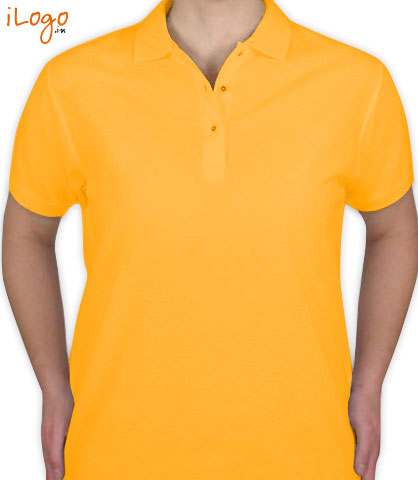
Drag and drop an image onto the garment, or paste it from your clipboard.
Choose the style, then tap Done to place it. Assign names after sizes.
Drop an image anywhere on the garment, or paste an image from your clipboard. Transparent PNG is best for logos.
Select an item to edit it. Use the arrows to change its layer.
Find a saved design by email and name
Text rebuilds from saved settings. Missing fonts or unsupported effects are flagged for review.
Saved designs
Keep the private edit link to reopen this design on another device. Anyone with the complete link can edit it.
Older versions can be opened and saved as a copy.
Edit item
Your text updates on the garment as you type.
Font Studio Sans
Proportions stay locked. Final size and placement are confirmed before production.
Remove background colour
Best for logos with a plain background. Removes the chosen colour throughout the image, including matching details inside the artwork.
Tap the background in your original image. We will preview that colour removed. You can try another point before applying.
Preview before applying. Your original image is kept.
More options
Text shape Straight
Curved text uses one line. Split this text into separate editable lines to curve them individually.
Outline None